
I lead the design team at Bixal, and I think of myself as the catcher. I’m not the high-profile pitcher, not the batter taking the next homerun swing. I’m backing up my team, relaying signs from upper management, suggesting what pitches get thrown to stay ahead.
My time is mostly split between team management and business development. A year ago, my team was 40 people bigger, and I was in an operations role.
I built Design Operations at Bixal from the ground up to support a rapidly growing team of human-centered designers. Using human-centered design principles, I surveyed the team to understand their needs and then took their feedback to guide priorities such as streamlining workflows and enhancing systems for consulting with federal clients.
Here’s some of the work I’ve done as a team leader:
Acronyms
This was the subject line from a recent government interest group email I received:
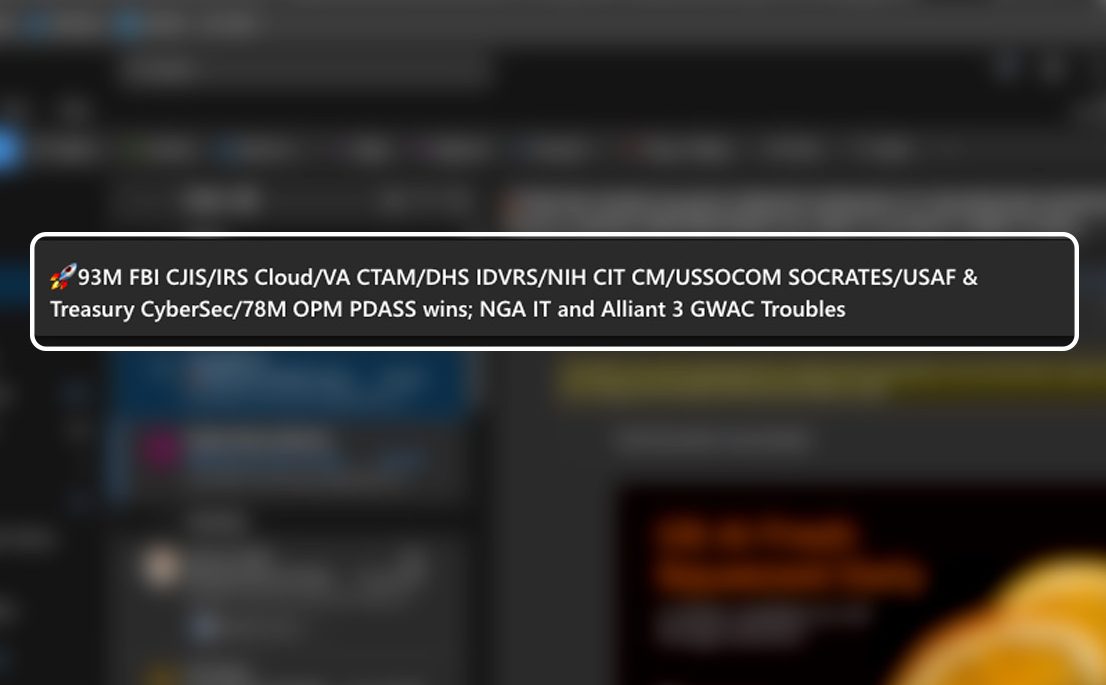
By my count, that’s 21 acronyms, 1 emoji, and only 7 actual words. OMG!
After fielding countless questions about “What does that stand for?!?”, I built a simple acronyms spreadsheet that anyone at my company could reference and contribute to. I pinned it to the top of Teams channels and added links to it in the team intranet.

It didn’t take long for the spreadsheet to grow from a few dozen entries to over 250. I recently got this feedback:
“I mentioned to a colleague that the acronym spreadsheet has been absolutely vital to me figuring out who and what we’re talking about since I joined the company, and she was so excited to hear of its existence!”
– Senior Communications Writer, Bixal
Knowledge management
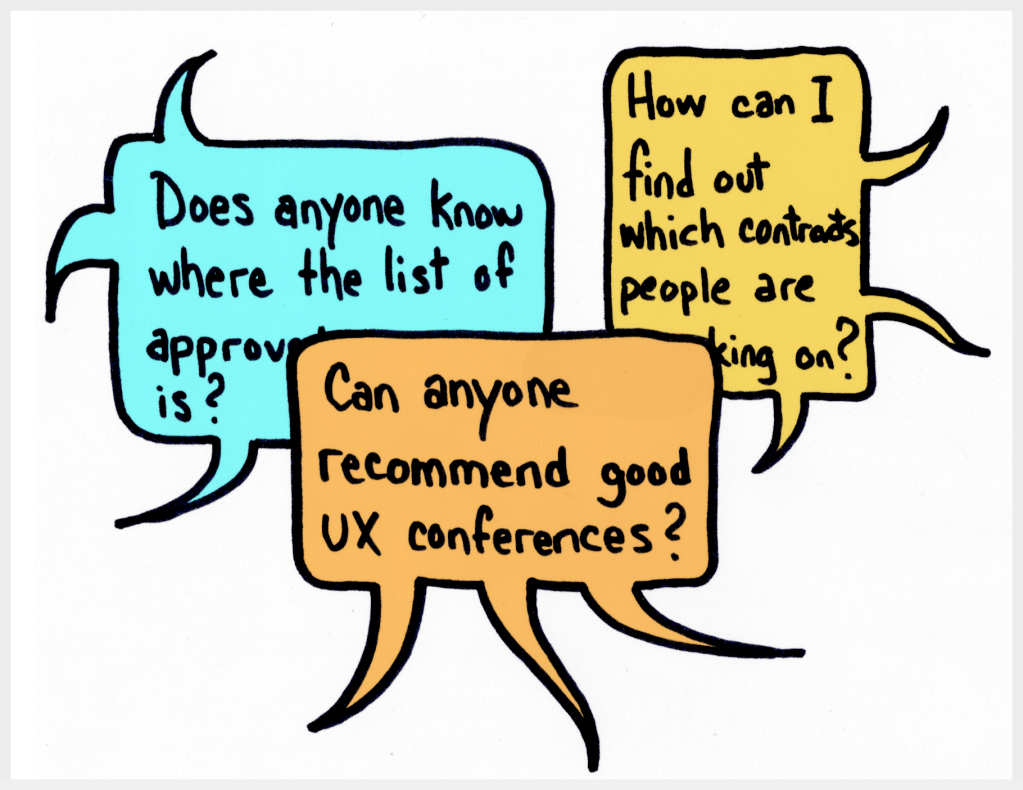
Link to team questions (requires password)
I noticed a pattern of repeated questions from team members about various topics, with answers scattered across multiple forums and platforms. I realized that many answers weren’t documented at all, while others were outdated or hidden in abandoned channels. It was clear that our documentation system needed a major overhaul.
I audited our resources and documented them in Miro, getting a clear picture of what we had and what was missing. This exercise revealed the scale of the problem: inconsistent, disjointed documentation that couldn’t keep up with our growing team. It was time to create a single front door to our team’s information.

With my colleague Andrew Parrucci, I built a new team site in SharePoint, working with the design team to prioritize content and ensure accessibility. I conducted usability testing with team members, including our blind accessibility intern, to identify accessibility issues. We also engaged with content experts to build out important details on the site.
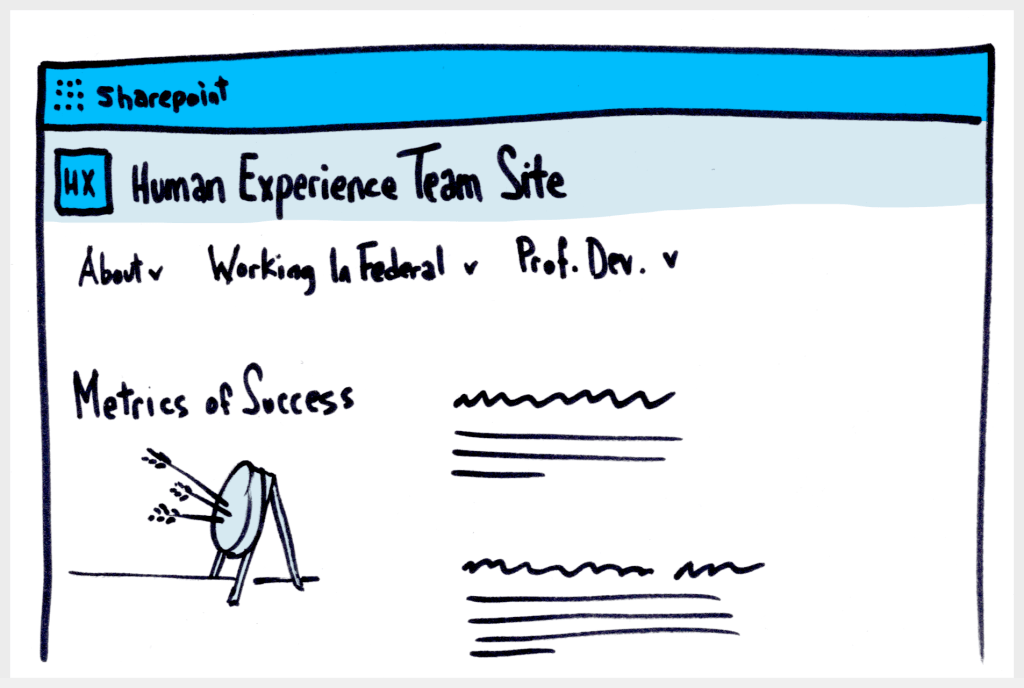
Link to HX Team site (requires password)
I made accessibility a core part of the project, engaging with our Accessibility Team to audit the site and provide guidance on best practices. We also created a system for users to report accessibility issues. Through this project, I learned the importance of intentional accessibility and the value of collaboration in creating a more inclusive team site.
Knowledge management is not a glamorous endeavor, and SharePoint has serious limitations around usability and metrics tracking. But the site has become a starting point for the team to turn to as an information hub, with flexible content templates and well documented governance. I’ll take that as a win.
Agency profiles
My team was sitting on a goldmine of knowledge about our federal clients, but we weren’t capturing it in a way that could help us serve them better. Team members essentially started from scratch every time they worked on a new contract, which wasn’t ideal. I set out to build a knowledge base template to capture facts and insights about our clients.

Link to agency profiles (requires password)
I experimented with different formats, from Miro to Excel to Dovetail, but in user testing, people rejected each platform for different reasons. One key learning from users was the importance of designing the process: Who collects the insights? At what stage? To what level of detail?
I’m going back to the drawing board, armed with insights and a keen awareness of people’s expectations. I’ll post updates as this work develops.
Project Statistics
Role: Director of Human Experience, Director of Design Operations
Dates: January 2023 – present
Client: My in-house roles at Bixal
Skills and methods: Presentations · Strategic roadmaps · User behavior · Workshops · Personas · Group facilitation · Visual communication · Process design · Client relations · Team leadership · Constructive feedback · Co-creation · Service Blueprints · Design Research · Creativity Skills · Video production · Design Thinking · Agile design sprints
Top image by Beaunitta V W/peopleimages.com


 Russell Flench